
If you’ve logged into Grok Imagine in the past few weeks, you already know what I’m about to say. The free ride is over. xAI quietly pulled the rug on free access, and now if you want to generate anything beyond a sad handful of images a day, you’re looking at X Premium at eight bucks a month, or SuperGrok at thirty. Want the good model, Imagine 1.0? That’s SuperGrok territory only.
I’ll be honest with you. I saw this coming. Every time a company gives away something this powerful for free, there’s a timer ticking in the background. But that doesn’t make it any less annoying when you’ve built a little workflow around a tool and it gets ripped away.
The good news? And I mean this genuinely, not in a “here’s the silver lining” cheerleader way. The good news is that the AI image and video space has exploded over the past year. The free tiers that used to feel like 15-minute demos are now, in some cases, better than what Grok Imagine ever offered you. You just have to know where to look.
So that’s what this post is. Not a lazy list. I spent the past few weeks actually using these tools — same prompts, same expectations, same “is this usable for real work” test. Here’s what held up.
Why People Are Ditching Grok Imagine (It’s Not Just the Price)
The paywall is the loudest complaint, sure. But if you read through the threads on Reddit and X, there’s a second layer to this.
Grok Imagine had a specific flavor. It was fast, loose with moderation, and genuinely good at photorealistic stuff — portraits, product shots, “this looks like a real photo” generations. That’s why people loved it. But the moment you asked it to do anything stylized — watercolor, anime, pixel art, a kids’ book illustration — it got weird. Flat colors, muddy details, a vibe like it was guessing. It was a one-trick pony that happened to do its one trick really well.
So now that users are being forced to pay, a lot of them are looking around and realizing something uncomfortable: for most creative work, they were never using the right tool in the first place. The alternatives aren’t just free. Some of them are flat-out better for what people actually need.
Here’s the thing nobody talks about. The AI tools you pick say a lot about the kind of work you do. A marketer pumping out social graphics has different needs than a novelist making character references, who has different needs than a small business owner mocking up packaging. Grok Imagine tried to be one-size-fits-all. The truth is, the best setup in 2026 isn’t one tool. It’s two or three free ones that each do one thing really well.
Let me show you what I mean.
What I Actually Tested For
Before the list, a quick note on how I judged these. I’m not running benchmarks in a lab. I’m a guy who uses these tools for blog graphics, client mockups, and the occasional fun side project.
I looked at image quality out of the box, because most people aren’t going to mess with seventeen sliders. I cared about whether the free tier was actually useful or just a teaser. I paid attention to how each tool handled the stuff Grok Imagine was bad at — stylization, text rendering, character consistency. And I looked at the video side too, because that was a big part of what made Grok Imagine feel special.
Now, the alternatives.
1. Nano Banana 2
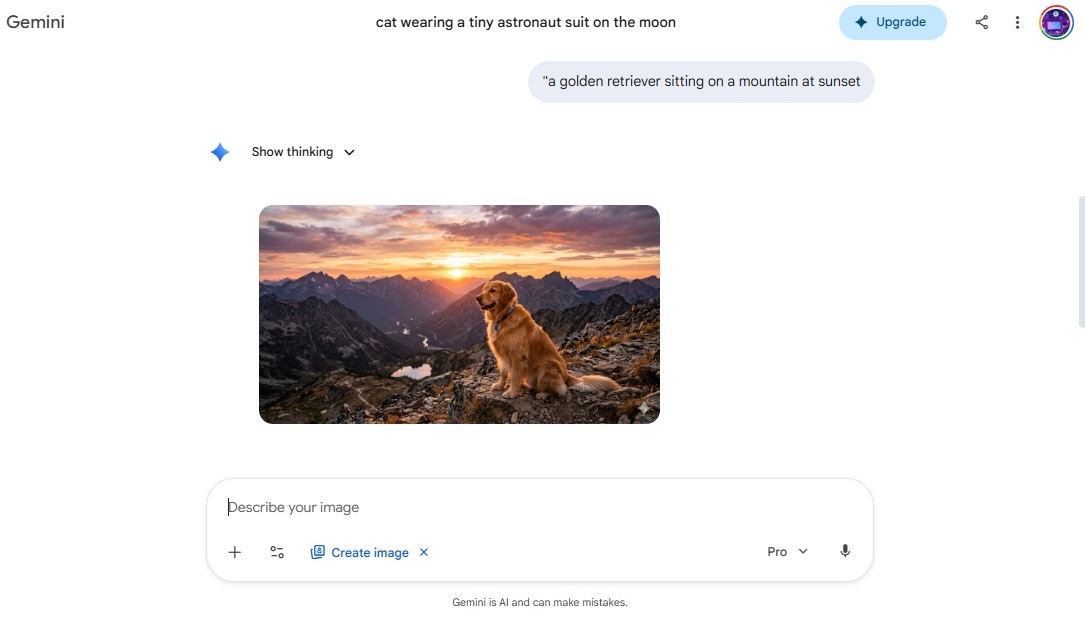
If you want the closest thing to “Grok Imagine but free,” this is it. Google’s Nano Banana 2 — part of the Gemini 3.1 Flash image model — is what I now recommend to basically everyone who asks me what to use.
The quality is honestly absurd for something you can access for free through the Gemini app. Photorealism lands in the same ballpark as Grok Imagine, and in some cases it’s cleaner, especially when you need real-world accuracy. Google pulls in real image context through Search, so if you generate a landmark, a specific car, or a building, it tends to actually look like the thing instead of a vague approximation.
What really sold me is character consistency. You can lock a character across multiple generations, keep them recognizable across outfits and scenes, and it holds up surprisingly well. That’s something Grok Imagine never did cleanly. Resolution goes up to 4K on the Pro tier, and the free tier gives you way more daily generations than Grok Imagine ever did, even back when it was free.
Where it falls short: text rendering isn’t perfect. And if you want moody, artistic, painterly work, Nano Banana is a bit too polished, a bit too “corporate.” It’s the reliable Honda Civic of AI image generators — not exciting, but it’ll get you there every time.
If you only try one tool from this list, make it this one.
2. Seedream 4.5
Here’s where things get interesting. Grok Imagine never really understood “art.” It understood photos and memes. Seedream, from ByteDance, is the opposite.
The first time I used it I typed in a prompt for a dreamy, painterly landscape — something I’d been banging my head against in Grok Imagine for weeks — and the first generation nailed it. Soft textures, intentional color palette, a composition that actually looked composed, not randomly assembled. It has taste, if that makes sense.
Seedream is also one of the few free-to-start tools that handles stylized text well, which makes it solid for poster design, album covers, that kind of thing. You get a 200-image free trial, which is honestly more than enough to figure out if you like it.
The catch: it’s not as photorealistic as Nano Banana or Grok Imagine. If you want a picture that could pass as a real photograph, look elsewhere. But if you want something that looks like a human designer spent an afternoon on it — Seedream, every time.
3. Ideogram 3.0
Raise your hand if you’ve ever generated a gorgeous poster in Grok Imagine, zoomed in, and realized the text reads “HAPPT BIRTHBAU.”
Yeah. Me too. Many, many times.
Ideogram solved this problem before anyone else, and version 3.0 is genuinely excellent. Signs, menus, logos, wedding invitations, social graphics — anything that needs actual readable words in the image — this is the tool. I’ve used it for client work where a single legible word is the whole point, and it delivers.
The free tier gives you ten slow credits per week, which works out to around forty images. Not a ton, but enough to handle your text-heavy projects without needing to pay. Style references are supported too, so you can upload a brand guide or moodboard and keep your outputs on-brand.
The trade-off is that Ideogram’s photorealism is just okay. It’s not what the tool is for. Use it alongside Nano Banana — Nano for the photo, Ideogram for the poster — and you’ve basically replaced 80% of what Grok Imagine used to do, for free.
4. Flux 2 (Dev)
This one’s for the folks who want control. Flux 2, from Black Forest Labs, is what I’d call the enthusiast pick. It’s not as friendly as the consumer apps, but the output quality at its best is staggering.
The free Dev version lets you generate at up to 4MP resolution, which is bigger than almost anything else on this list. Prompt adherence is strong, meaning it actually follows what you tell it instead of going off on its own creative tangent like some tools do. You can feed it reference images for character and style consistency, which is huge for anyone doing serial work — comic panels, brand assets, a consistent OC across generations.
The rough edges: there’s no polished consumer app for the free version. You’re using third-party playgrounds or running it yourself if you’re technical. It’s also not as fast as the others. But if you want quality that rivals paid tools without paying, Flux 2 Dev is the single best option I’ve found.
5. Qwen Image
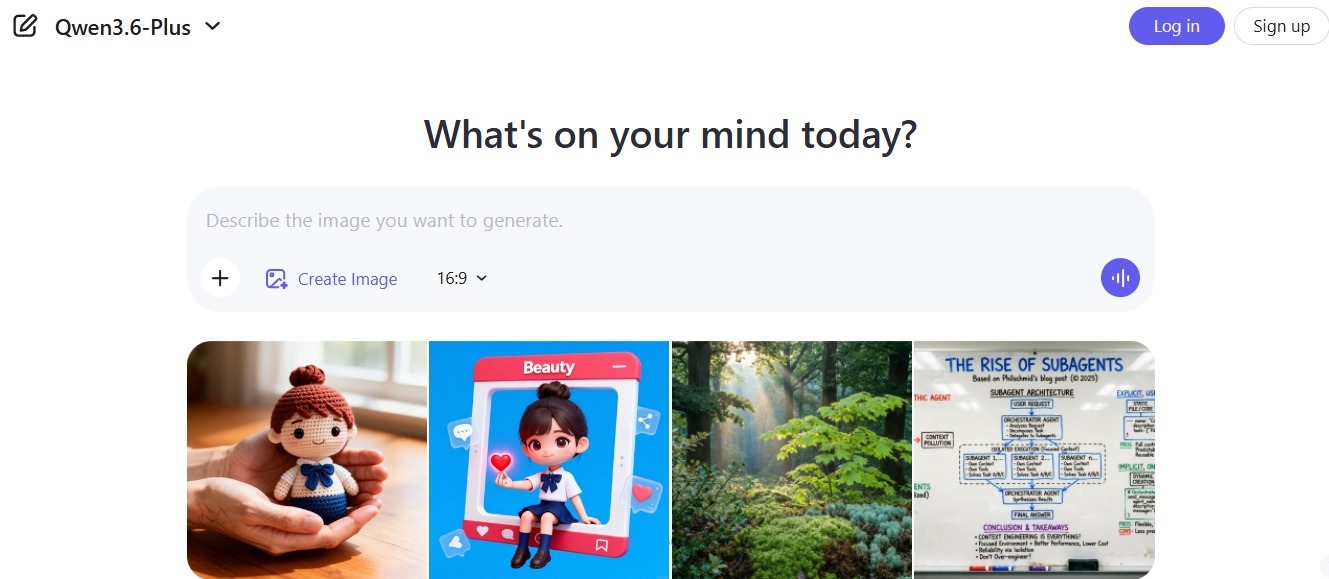
Nobody talks about Qwen Image enough, and it’s kind of baffling. Alibaba’s Qwen team has been quietly building one of the most capable open models out there, and the image generation side is legitimately good.
What makes Qwen Image stand out is how well it handles complex prompts — the kind of long, detailed descriptions that trip up a lot of other models. You can stack multiple subjects, specific lighting conditions, and compositional details into a single prompt and it actually parses them. It’s also one of the best free options I’ve found for generating anything with Chinese or other non-Latin text, which is genuinely rare.
The free access is generous, and the model is open-weight, which means it’ll keep showing up in third-party playgrounds and tools for a long time to come. Think of it as the quiet workhorse that does the job without demanding attention. Not flashy, just solid.
Where it falls short: the UI on the official platform isn’t the most polished experience in English, and artistic stylization feels more “technically competent” than “inspired.” But for raw capability per dollar — and the dollar here is zero — it’s a steal.
6. GLM-Image
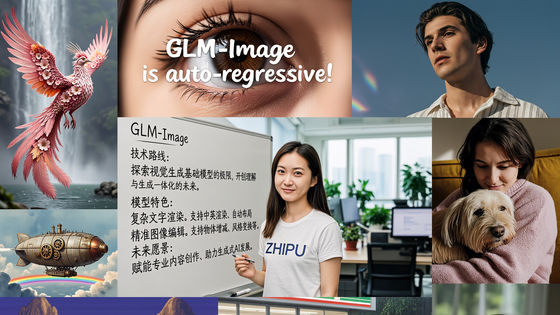
GLM-Image, from Zhipu AI, is a newer entry that flew under most people’s radar because it launched without a big English-language marketing push. But I’ve been using it on and off for a few months now, and it deserves more attention. What I love about this Grok imagine alternative is no watermark, you can also generate images in 1k or 2k resolution.
The pitch is simple: it’s deeply integrated with GLM’s language model, so you can iterate on images conversationally the same way you would with ChatGPT’s image tools. You ask for something, see the result, say “make the lighting warmer and move the subject to the left,” and it actually does that. That conversational editing loop is still weirdly rare in free tools, and it makes GLM-Image feel much more like a creative collaborator than a slot machine.
Quality-wise, it sits somewhere between Nano Banana and Qwen — decent photorealism, reasonable text rendering, and surprisingly good prompt understanding. The free tier is usable for real work, not just demos. And like Qwen, it handles multilingual prompts well, which opens up stylistic options a lot of Western models ignore.
Biggest downside: the platform is primarily in Chinese, so you’ll either need a translated interface or the patience to click around. Worth it for the capability you get.
7. Recraft V4
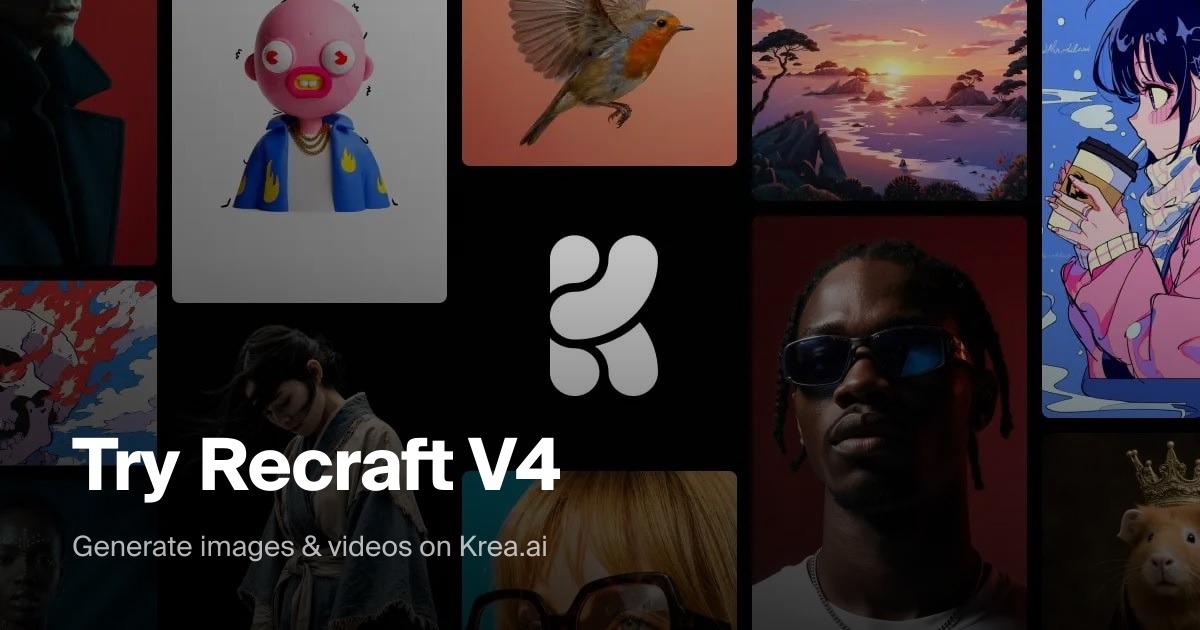
This one doesn’t get talked about enough, which is wild to me because it does something nothing else on this list can do. Recraft generates actual SVG vector files. Scalable, editable vectors. Logos. Icons. Brand assets.
If you’ve ever tried to use an AI-generated image as a logo, you know the pain. It looks fine at 500 pixels, garbage at billboard size. Recraft solves that by outputting true vectors, and the free tier includes access to it. That’s kind of unbelievable when you think about it.
It’s not the tool for your dreamy landscape or your photorealistic portrait. But for anyone doing branding, icon design, illustration for scalable use — this is the move. And it pairs beautifully with Ideogram if you’re building a full visual identity on a budget.
What About Video? Here’s What’s Replacing Grok Imagine’s Video Feature
The image side is solved. Video is trickier, because the bar Grok Imagine set — fast, cheap, six-second clips with surprisingly decent motion — is harder to match in the free world. But it’s not impossible.
8. Kling AI is where I’d start. The free tier is real, not a demo, and the recent 3.0 update dramatically improved character consistency across frames. Motion looks natural, prompts are followed closely, and you can generate in 1080p. It’s the closest free-ish experience to what Grok Imagine used to feel like.
9. Hailuo AI is another one worth trying, especially for image-to-video. Upload a still, describe the motion you want, and it produces short clips that honestly feel smoother than anything Grok Imagine output. The daily free limit is modest but usable.
10. Pika Labs is still kicking and still free at the entry level, though quality has plateaued a bit compared to the newer players. It’s best for shorter, stylized clips rather than photorealistic motion.
If you want the open-source, run-it-yourself route, Mochi and CogVideo exist. Fair warning — you need a serious GPU at home to make them practical. Not beginner territory.
Common Mistakes People Make When Switching
A few things I see people screw up all the time when they jump from Grok Imagine to something new.
The first is copy-pasting their old prompts. Every model has a different “prompt language,” and Grok Imagine was unusually forgiving. Tools like Flux and Ideogram reward detail and specificity. Tools like Nano Banana prefer natural conversation. If your first few generations look bad, it’s almost never the model — it’s the prompt style. Adjust.
The second is picking one tool and expecting it to do everything. I said it earlier and I’ll say it again: the smart move in 2026 is two or three free tools used together. Nano Banana for photos. Ideogram for text. Seedream or Recraft for style. Total cost: zero dollars.
The third, and this one’s painful, is judging a tool based on a single generation. AI image models are probabilistic. You might get a garbage output, hit regenerate, and get magic. I’ve had this happen more times than I can count. Give each tool at least five or ten tries before you write it off.
And the big one — assuming paid equals better. Grok Imagine at thirty bucks a month isn’t automatically better than Nano Banana for free. It’s different. And for 90% of what most people are doing, the free options are genuinely sufficient. Don’t pay out of habit.
What Actually Works: My Real Workflow
Since I promised practical advice, here’s what my setup looks like after all this testing. Take what’s useful, ignore the rest.
For everyday image generation — blog graphics, social posts, general creative work — I open Nano Banana first. Nine times out of ten, it gives me what I need. When I need typography or poster-style work, I hop to Ideogram. When a client wants something that feels artistic, moody, intentional, I go to Seedream. For logos and vector assets, Recraft. For the occasional “I want to nerd out and get the absolute best quality” project, Flux 2 Dev. When I’m working with clients who need multilingual content or I just want a second opinion on a prompt, Qwen Image or GLM-Image.
For video, Kling is my default, Hailuo is my backup.
Total monthly cost: zero. Output quality: better, honestly, than my old Grok Imagine workflow ever was, because each tool is doing what it’s best at instead of one tool faking its way through everything.
What Most People Get Wrong About “Free”
Here’s something I think about a lot. When people hear “free AI tools,” they assume there’s a catch — worse quality, watermarks, a two-day trial, something. And for years, that was mostly true.
It’s not true anymore. The reason these free tiers are so generous right now is because we’re in the middle of an arms race. Google, ByteDance, Black Forest Labs, Alibaba, Zhipu, and a dozen others are all trying to win mindshare. You and I are the beneficiaries. This won’t last forever — Grok Imagine’s paywall is a preview of where all of this is eventually heading — but while it lasts, there’s no reason not to take advantage.
The people who’ll look back on 2026 and laugh are the ones who got comfortable with these free workflows now, before the inevitable squeeze happens. Build your skills on free tools. Learn what each one is good for. When pricing shifts in a year or two, you’ll know exactly which paid subscription is actually worth it for what you do — instead of paying thirty bucks a month out of habit, like a lot of former Grok Imagine fans are doing right now without realizing they had better free options all along.
The Bottom Line
Grok Imagine going paid isn’t the end of the world. Honestly, it might be the nudge a lot of us needed to look around and realize how much the rest of the field has grown.
If I had to leave you with one piece of advice, it’d be this: don’t replace Grok Imagine with another single tool. Replace it with a small toolkit of free ones that each do something specific. Nano Banana 2 for your core workflow, Ideogram for text, Seedream for style, Qwen or GLM for the edge cases, Recraft for vectors, Kling for video. That’s your new stack. Total cost: a few hours of learning and exactly zero dollars.
The best AI creators I know aren’t the ones paying the most. They’re the ones who figured out which free tools do which jobs, and stitched them together into something that works for their specific workflow.
You May Also Like
 Grok AI
How to Use Grok AI: A Practical Guide for Real People Who Actually Want to Get Things Done
 Grok AI
Does Grok Only Respond to Verified Accounts?
 Grok AI
Why Does Grok Know My Location IP Address? What’s Really Going On
 Grok AI
Does Grok Hide Your Location? The Honest Truth Most Users Don’t Realize
 ChatGPT
Grok vs ChatGPT: Is Grok Actually Better Than ChatGPT?
 Grok AI