

AI math solvers help students understand and solve math problems step by step, covering subjects from basic arithmetic to advanced calculus. These tools use artificial intelligence to read your math problem, break it down, and walk you through the solution like a personal tutor sitting next to you.
I remember sitting in my college dorm, stuck on a calculus problem for over an hour. My textbook made no sense. My professor’s office hours were over. My classmates were just as confused as I was. If AI math solvers existed back then, I would have saved countless late nights and a lot of frustration.
Today, you have access to 10 powerful AI math solver tools that cost you nothing. Some let you snap a photo of your homework. Others let you type or draw equations. All of them show you the steps, not just the answer. That is the key difference between a tool that helps you learn and one that just does your homework for you. I tested each of these tools across algebra, calculus, geometry, and word problems to give you an honest breakdown of what works, what falls short, and which one fits your needs best.
1. Photomath

Photomath scans handwritten or printed math problems using your phone camera and delivers step-by-step solutions instantly. It has been downloaded over 220 million times worldwide, making it the most popular math solver app on the planet.
Key Features:
- Camera scanner that reads handwritten and printed math problems
- Step-by-step explanations with multiple solving methods for each problem
- Animated tutorials that visually walk you through each step
- Scientific calculator built into the app for quick calculations
- Covers 60+ math topics including arithmetic, algebra, geometry, trigonometry, calculus, and statistics
Pros:
- The camera recognition is fast and surprisingly accurate, even with messy handwriting
- Multiple solution methods show you different ways to reach the same answer
- Teacher-approved explanations that match how your textbook teaches the concepts
- Works offline for basic problem scanning
Cons:
- The free version gives answers and basic steps, but detailed visual aids require a premium subscription
- Struggles with very complex word problems and multi-part equations
- Does not cover advanced university-level topics like differential equations or linear algebra in depth
Best For:
Middle school and high school students who learn best by seeing each step visually. If you are a visual learner, this is your go-to.
Visit Photomath to download the app.
2. Microsoft Math Solver

Microsoft Math Solver provides unlimited step-by-step solutions with zero ads and zero subscription fees across web, mobile, and desktop. Unlike most competitors, every feature is 100% free. No hidden paywalls. No “upgrade to see the steps” tricks.
Key Features:
- Photo scan, handwriting draw, or keyboard type your math problem three different ways
- Step-by-step explanations for every problem at no cost
- Interactive graphs for visualizing equations and functions
- Similar practice problems suggested after each solution to reinforce learning
- Supports 70+ languages for global accessibility
- Built into Microsoft Edge browser for instant access without downloading anything
Pros:
- Completely free with no ads, no subscriptions, and no feature limits
- Clean, simple interface that does not overwhelm you
- Provides links to related video tutorials from YouTube and Khan Academy
- Available on iOS, Android, web browser, and directly inside Microsoft Edge
Cons:
- Lacks advanced math capabilities for university-level topics like abstract algebra or real analysis
- Explanations are sometimes too brief for complex multi-step problems
- The interface feels basic compared to more polished competitors like Symbolab
Best For:
Students on a tight budget who want a reliable, no-strings-attached math solver. If you do not want to pay a single cent, start here.
Visit Microsoft Math Solver to try it free.
3. Symbolab
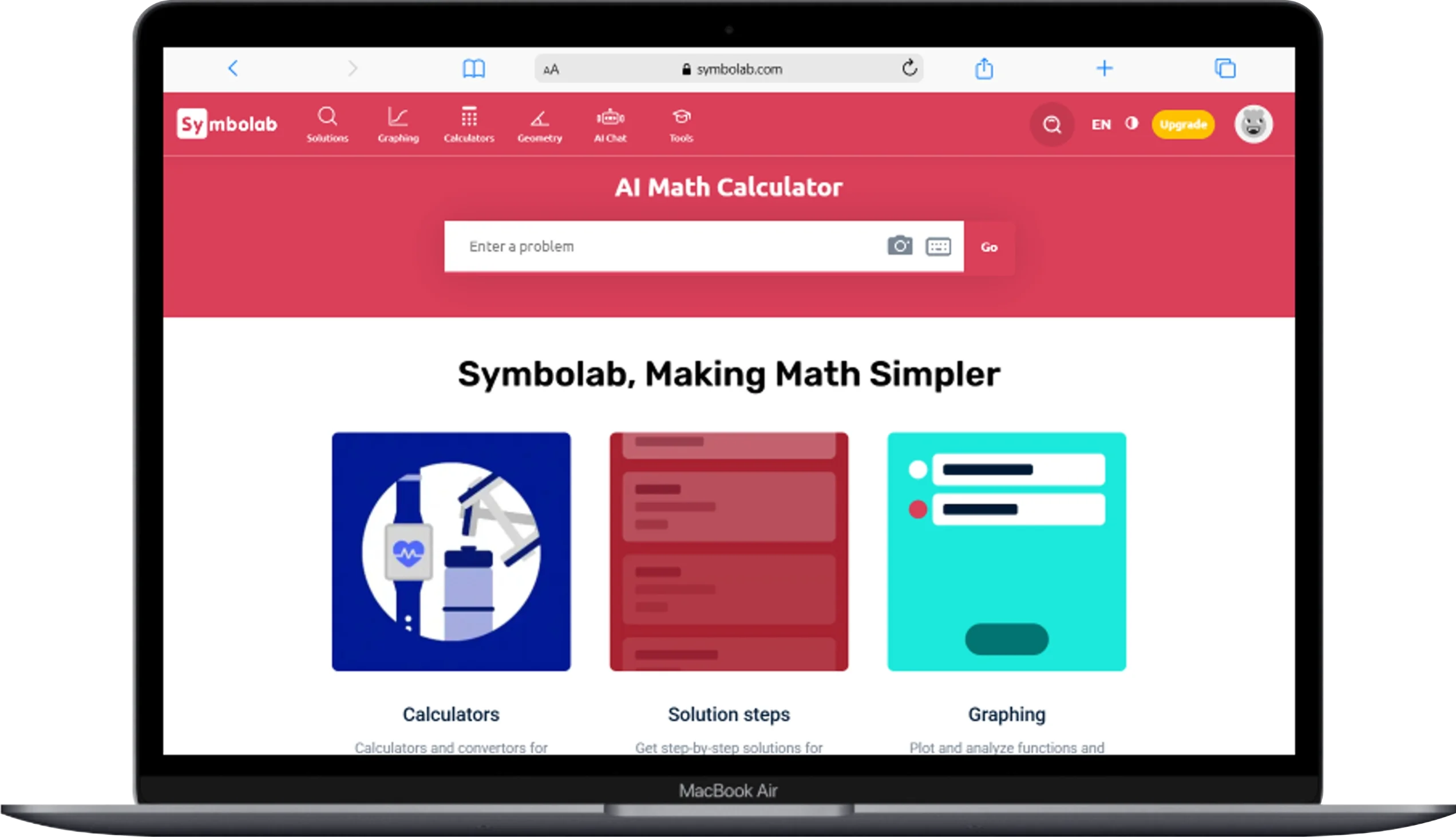
Symbolab solves advanced math problems across algebra, calculus, trigonometry, matrices, and differential equations with detailed step-by-step breakdowns. Over 300 million users rely on it worldwide. College students especially praise it as a “lifesaver” for calculus courses.
Key Features:
- Step-by-step solutions that highlight the rules and formulas applied at each stage
- AI-powered personalized assessments that identify your weak spots and suggest practice problems
- Graphing calculator for plotting functions and equations visually
- Practice worksheets generated based on topics you struggle with
- Covers advanced topics including integrals, derivatives, series, matrices, and Laplace transforms
Pros:
- Handles complex college-level math that simpler tools cannot touch
- Explains the “why” behind each step, not just the “what”
- Pattern recognition feature shows you recurring problem types so you learn to spot them yourself
- Available on web, iOS, and Android
Cons:
- Full step-by-step access requires a paid subscription (free version shows limited steps)
- App can feel slow when processing very long equations
- Some users report occasional errors on highly advanced proofs
Best For:
College and university students taking calculus, linear algebra, or differential equations. If your math is getting seriously hard, Symbolab keeps up.
Visit Symbolab to start solving.
4. Mathway
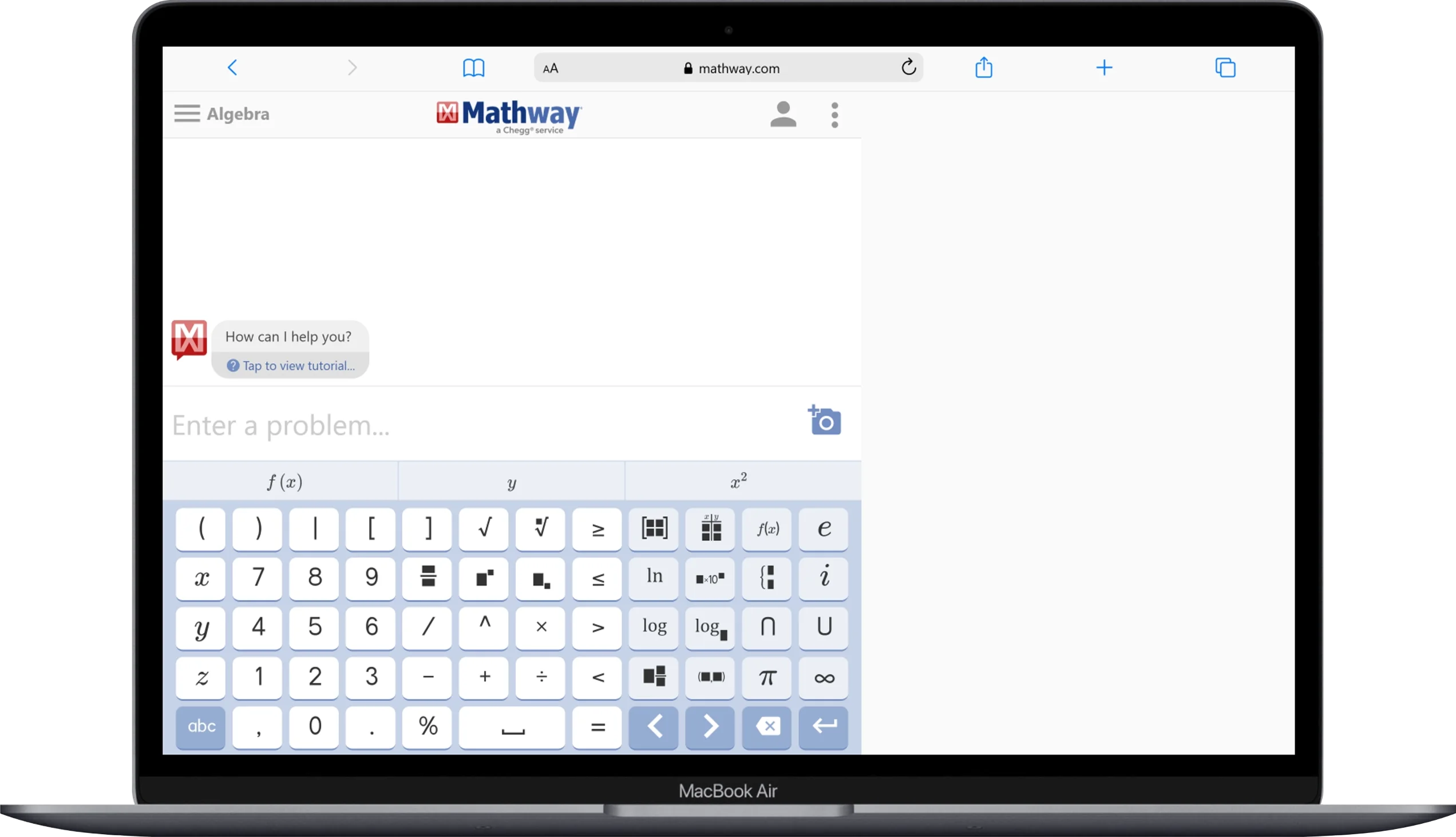
Mathway solves problems across 12 math categories, including basic math, pre-algebra, algebra, trigonometry, precalculus, calculus, statistics, finite math, linear algebra, chemistry, and physics. It is one of the broadest math solvers available.
Key Features:
- 12 subject categories covering virtually every math and science topic
- Camera scan to photograph and solve printed problems
- Instant answers with a clean, no-clutter interface
- Graphing tool for visualizing equations
- Cross-platform availability on web, iOS, and Android
Pros:
- Covers more subject areas than almost any other free math solver
- Fast and accurate for straightforward problems
- The interface is dead simple. No learning curve at all
- Photo scanning works reliably on printed textbook problems
Cons:
- The free version only shows final answers. Step-by-step solutions require a paid subscription
- Explanations can lack depth compared to Symbolab or Photomath
- Sometimes misinterprets handwritten equations from photos
Best For:
Students who need a quick answer-checker across many subjects. If you just want to verify your work fast, Mathway delivers.
Visit Mathway to solve problems instantly.
5. Wolfram Alpha
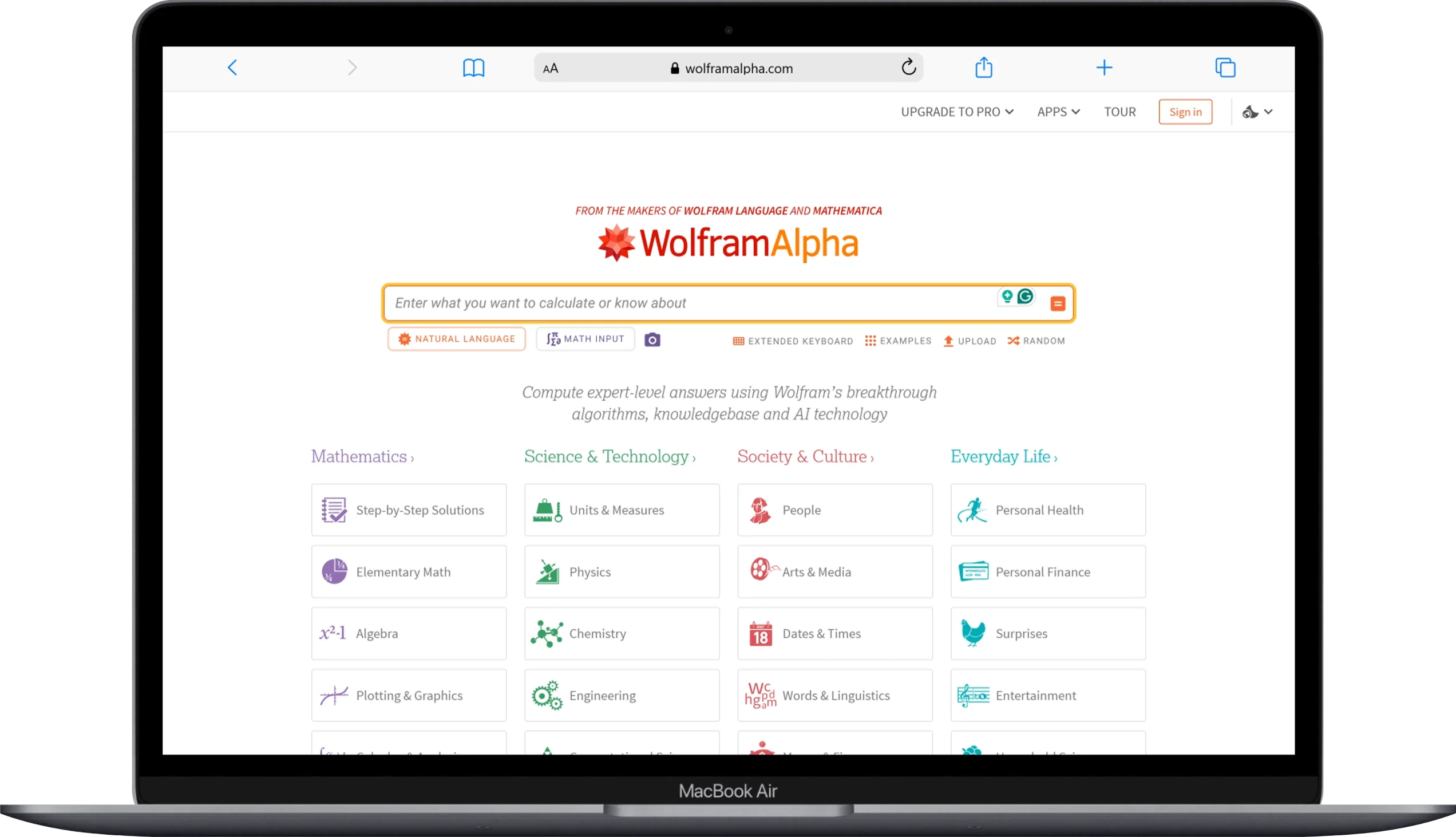
Wolfram Alpha is a computational knowledge engine that solves problems ranging from basic algebra to graduate-level mathematics, physics, engineering, and data science. It does not guess. It computes. Every answer comes from structured algorithms built by mathematicians and scientists.
Key Features:
- Computational engine (not a language model) that calculates exact answers using mathematical algorithms
- Step-by-step solutions for algebra, calculus, number theory, discrete math, and more
- Data visualization with automatic graphs, plots, and charts
- Natural language input so you can type problems in plain English
- Covers 30+ academic domains beyond math, including physics, chemistry, engineering, astronomy, and linguistics
Pros:
- Unmatched accuracy because it uses computation, not AI prediction
- Handles research-level and graduate-level problems that other tools cannot
- Provides context, related formulas, and alternative representations alongside each answer
- Trusted by universities and professionals worldwide
Cons:
- Free version shows answers but limits step-by-step solutions (Pro subscription required for full steps)
- Interface feels dated and less intuitive than newer AI tools
- Overkill for simple homework. It is built for depth, not speed on basic problems
Best For:
University students, graduate researchers, and math enthusiasts who need precision on advanced topics. If accuracy matters more than anything else, Wolfram Alpha is the gold standard.
Visit Wolfram Alpha to explore its capabilities.
6. Thetawise

Thetawise combines math solving with AI-powered tutoring, asking you guiding questions instead of just handing you answers. It teaches you to think through problems rather than copy solutions. Independent evaluations rank it among the most accurate AI math solvers available.
Key Features:
- Tutoring mode that guides you with hints and questions instead of giving instant answers
- Photo upload to scan and solve homework problems
- Step-by-step breakdowns with explanations tailored to your level
- Covers middle school through college math including algebra, statistics, calculus, and applied math
- Multi-subject support beyond math, including science topics
Pros:
- The tutoring approach actually helps you learn, not just finish your homework
- High accuracy on upper-level math problems
- Clean, modern interface that feels easy to navigate
- Free to use with generous daily limits
Cons:
- Tutoring mode can feel slow when you just need a quick answer
- Some Reddit users report inconsistencies with very advanced proofs
- Smaller user base means fewer community resources and tips compared to Photomath or Symbolab
Best For:
Students who genuinely want to understand math, not just get through the assignment. If you keep making the same mistakes, Thetawise helps you figure out why.
Visit Thetawise to start learning.
7. CK-12 Flexi
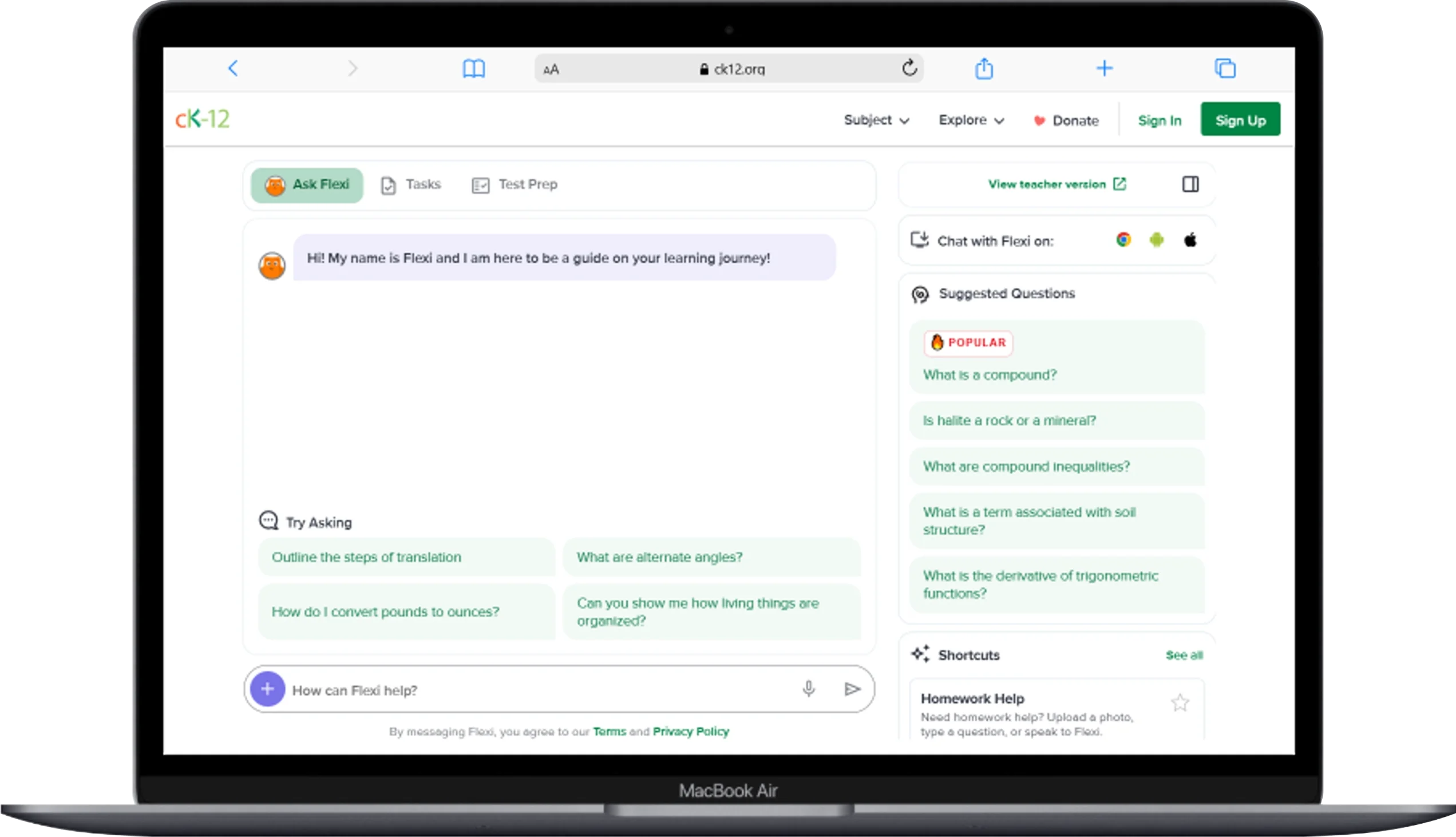
CK-12 Flexi is a 100% free AI tutor backed by a complete math and science curriculum, available 24/7 to every student with no subscription required. The CK-12 Foundation is a nonprofit. That means Flexi will always be free. No catches.
Key Features:
- Conversational AI tutor that explains concepts in plain language
- Photo upload, equation drawing, and math keyboard for inputting problems
- Full curriculum library covering math and science from middle school through high school
- Personalized learning paths that adapt to your goals and interests
- Practice problems and quizzes integrated directly into the learning experience
- Available on web, iOS, and Android with no login required for basic use
Pros:
- Completely free forever. No premium tier, no ads, no data selling
- Backed by a full textbook-style curriculum, so it is not just a solver but a complete study platform
- Explains concepts conversationally, making it feel like chatting with a friendly tutor
- Teachers can use it to design individualized lessons for their students
Cons:
- Math coverage stops at high school level. Not suitable for university calculus or beyond
- AI explanations occasionally oversimplify complex concepts
- Less well-known than Photomath or Symbolab, so fewer online guides and community tips exist
Best For:
Middle school and high school students who need a free, all-in-one study companion. If your family cannot afford a private tutor, Flexi fills that gap completely.
Visit CK-12 Flexi to start tutoring for free.
8. Mathos AI

Mathos AI (also known as MathGPTPro) outperforms GPT-4o, Mathway, and Photomath by over 17% in independent accuracy benchmarks. It claims to be the most accurate AI math solver available, and user reviews on Google Play back that up with consistent praise.
Key Features:
- AI math solver with step-by-step explanations for every problem
- PDF homework helper that reads and solves problems from uploaded documents
- Graphing calculator for visualizing functions and equations
- Math tutor features that explain concepts alongside solutions
- Covers algebra, calculus, statistics, geometry, and proofs
Pros:
- Benchmark-tested accuracy that beats major competitors by a significant margin
- Handles word problems better than most AI math tools
- User reviews consistently mention fewer errors compared to ChatGPT on math
- PDF upload feature is perfect for working through entire homework sheets
Cons:
- Newer tool with a smaller user community than established players like Photomath
- Some advanced features require a subscription
- Interface is functional but not as polished as Symbolab or Microsoft Math Solver
Best For:
Students frustrated by AI tools that give wrong answers. If accuracy is your top priority above everything else, Mathos AI delivers the most reliable results.
Visit Mathos AI to test its accuracy yourself.
9. Cymath

Cymath solves algebra and calculus problems with clean, focused step-by-step solutions and zero distractions. It does not try to be everything. It does two things well: algebra and calculus. That focused approach is exactly what makes it useful.
Key Features:
- Step-by-step solutions for algebra and calculus problems
- Camera scan to photograph problems from your textbook
- Practice worksheets generated around topics you need to improve
- Clean, distraction-free interface that loads fast
- Available on web, iOS, and Android
Pros:
- Simple and fast. No bloated features or confusing menus
- Free basic solver works well for checking your algebra and calculus work
- Practice worksheets help you build skills, not just finish assignments
- Camera feature reads printed equations accurately
Cons:
- Limited to algebra and calculus. No geometry, statistics, or physics support
- Step-by-step details require Cymath Plus subscription for full access
- Cannot handle advanced math beyond introductory calculus
Best For:
High school students taking algebra or first-year calculus who want a simple, fast, no-fuss solver. If you do not need bells and whistles, Cymath gets straight to the point.
Visit Cymath to solve algebra and calculus problems.
10. Julius AI
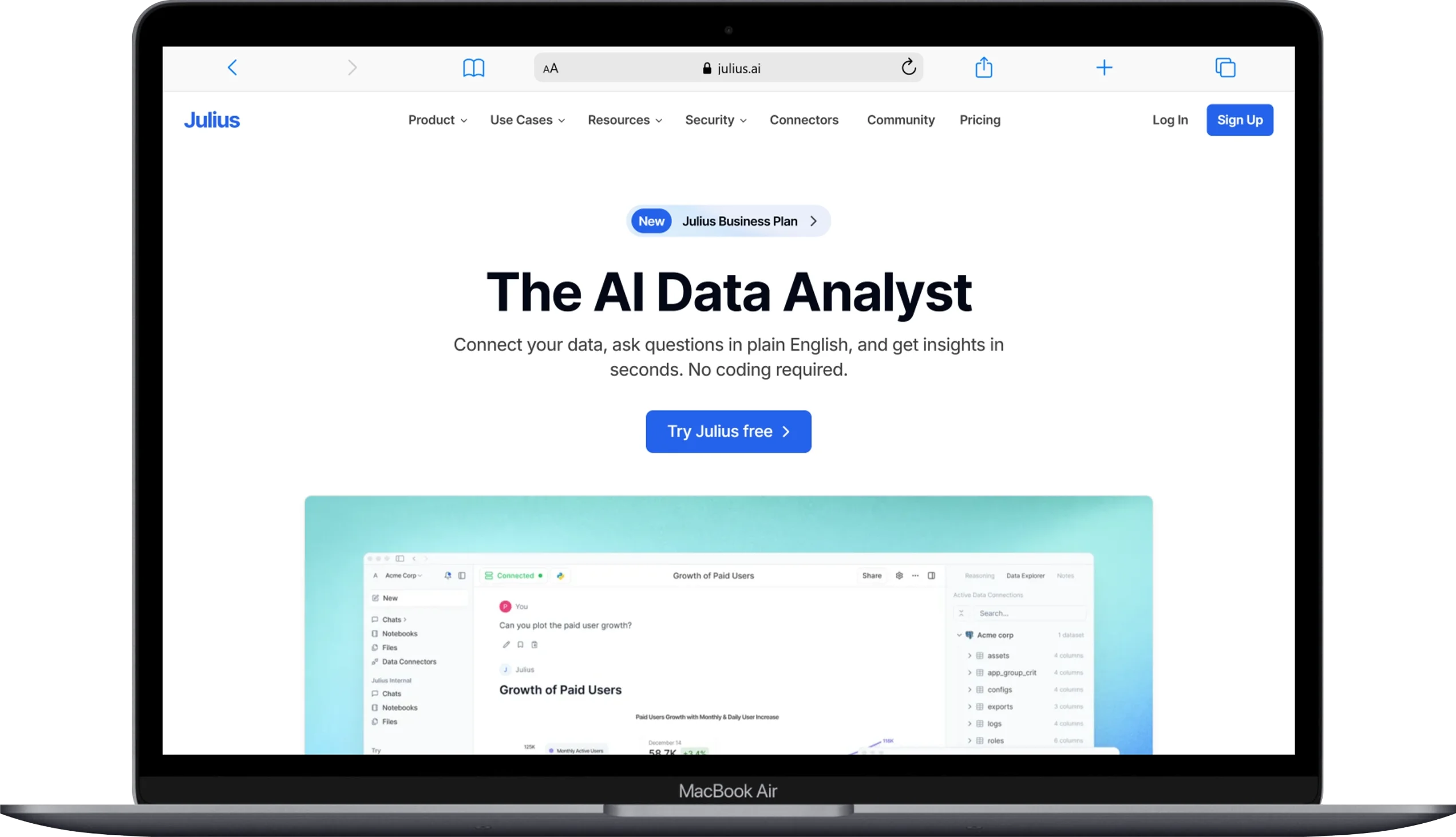
Julius AI combines math solving with powerful data analysis, letting you upload spreadsheets, CSVs, and datasets alongside equations for a complete problem-solving experience. It achieves 31% higher accuracy than GPT-4o on math equations according to independent testing.
Key Features:
- AI math solver with step-by-step solutions for uploaded problems
- Data analysis engine that handles spreadsheets, CSVs, and databases through plain English questions
- Chart and graph generation from your data with publication-ready quality
- Scan-and-solve feature for photographed equations
- Covers algebra, calculus, statistics, probability, and applied math
- Free tier available with generous daily usage limits
Pros:
- Combines math solving with data analysis in one tool, perfect for statistics courses
- Creates beautiful charts and visualizations that you can use in reports and presentations
- Higher math accuracy than general-purpose AI tools like ChatGPT
- Over a million students already use it
Cons:
- The data analysis focus means pure math features are not as deep as Symbolab or Wolfram Alpha
- Free tier has daily limits. Heavy users will hit the cap
- Requires an internet connection for all features. No offline mode
Best For:
College students taking statistics, probability, or any course that mixes math with data analysis. If your homework involves both equations and datasets, Julius handles both in one place.
Visit Julius AI to solve math and analyze data.
Side-by-Side Comparison of All 10 Free AI Math Solvers
Here is a quick comparison table so you can see the differences at a glance and pick the right tool for your situation:
| Tool | Best For | Camera Scan | Step-by-Step (Free) | Math Level | Subjects Covered | Platform |
|---|---|---|---|---|---|---|
| Photomath | Visual learners | Yes | Partial (basic steps free) | Middle school to early college | Arithmetic, algebra, geometry, trig, calculus, stats | iOS, Android |
| Microsoft Math Solver | Budget-conscious students | Yes | Yes (fully free) | Middle school to high school | Algebra, calculus, trig, geometry | iOS, Android, Web, Edge |
| Symbolab | College students | No | Partial (limited free steps) | High school to university | Algebra, calculus, matrices, differential equations, series | iOS, Android, Web |
| Mathway | Quick answer checking | Yes | No (answers only free) | Middle school to university | 12 categories including chemistry and physics | iOS, Android, Web |
| Wolfram Alpha | Advanced/research math | No | Partial (limited free steps) | High school to graduate level | 30+ academic domains | iOS, Android, Web |
| Thetawise | Personalized tutoring | Yes | Yes | Middle school to college | Algebra, stats, calculus, applied math | Web, iOS, Android |
| CK-12 Flexi | Free complete curriculum | Yes | Yes (fully free forever) | Middle school to high school | Math and science curriculum | iOS, Android, Web |
| Mathos AI | Highest accuracy | Yes | Partial | Middle school to university | Algebra, calculus, stats, geometry, proofs | iOS, Android, Web |
| Cymath | Algebra and calculus basics | Yes | Partial (basic steps free) | High school to intro college | Algebra and calculus only | iOS, Android, Web |
| Julius AI | Stats and data problems | Yes | Partial (free tier limits) | High school to university | Algebra, calculus, stats, probability, data analysis | iOS, Android, Web |
Frequently Asked Questions About AI Math Solvers
Can AI Math Solvers Really Help You Learn Math?
Yes, when you use them the right way. AI math solvers improve your understanding when you study the step-by-step explanations instead of just copying the final answer. Tools like Thetawise and CK-12 Flexi are specifically designed to teach, not just solve. They ask guiding questions and offer practice problems. The students who benefit most are the ones who use these tools to check their work after attempting problems on their own first.
Are Free AI Math Solvers Accurate Enough for Homework?
Yes, for most standard math topics. Tools like Mathos AI outperform GPT-4o by over 17% in accuracy benchmarks. Microsoft Math Solver and Photomath handle algebra and calculus reliably. Wolfram Alpha uses mathematical computation instead of AI prediction, making it the most accurate option for complex problems. That said, no tool is perfect. Always double-check answers on problems worth significant grades.
Will Teachers Know if You Used an AI Math Solver?
Possibly. Many schools now use AI detection tools. More importantly, if you cannot explain your solution process during class or on a test, your teacher will notice the gap. The smartest approach is to use AI solvers as study aids, not answer generators. Work the problem yourself first. Then use the AI to check your work and understand where you went wrong.
Which AI Math Solver Works Best Without an Internet Connection?
Photomath offers basic offline functionality for camera scanning and simple problem solving. Most other tools on this list require an internet connection because they process problems on cloud servers. If you study in places with unreliable wifi, download Photomath as your offline backup.
Can AI Math Solvers Handle Word Problems?
Yes, but with varying quality. Mathos AI and Wolfram Alpha handle word problems with the highest reliability. Photomath and Mathway sometimes struggle with complex multi-step word problems because camera scanning works better with equations than sentences. For word problems, typing the question directly into ChatGPT, Claude, or Thetawise tends to produce better results than photo scanning.
Is It Worth Paying for a Premium Math Solver Subscription?
It depends on your needs. If you are a high school student working through algebra, Microsoft Math Solver and CK-12 Flexi give you everything for free. If you are a college student in advanced calculus or differential equations, a Symbolab or Wolfram Alpha Pro subscription provides detailed steps and explanations that the free versions limit. Most students should start with free tools and only upgrade if they consistently hit paywalls on features they actually need.
Conclusion
Math does not have to feel like a battle you fight alone at midnight. The 10 AI math solvers reviewed in this article give you step-by-step guidance, instant answers, and personalized tutoring at no cost or low cost.
Microsoft Math Solver and CK-12 Flexi stand out as the best completely free options with no hidden paywalls. Photomath is the strongest choice for students who learn visually and prefer scanning problems with their camera. Symbolab and Wolfram Alpha serve college and university students who need help with advanced topics like differential equations, matrices, and proofs. Mathos AI wins on pure accuracy if getting the right answer matters most to you. Julius AI is the best pick if your coursework mixes math with data and statistics.
The most important advice I can give you is this. Use these tools to understand your math, not to avoid it. Snap a photo. Read the steps. Then close the app and try a similar problem on your own. That is how AI math solvers make you a better student instead of a dependent one. The tool does the solving once. You carry the understanding with you into every test, every class, and every math problem you face after that.
You May Also Like
 AI Tool Reviews
How to Use ChatGPT for Beginners: The Complete Step-by-Step Guide (2026)
 AI Tool Reviews
GPTZero vs ZeroGPT: Which AI Detector Actually Holds Up in the Real World?
 AI Tool Reviews
Kimi vs ChatGPT: Is Kimi AI Actually Better Than ChatGPT?
 AI Models
Kimi K2.6 vs Claude Opus 4.7: Which AI Comes Out on Top?
 ChatGPT
Grok vs ChatGPT: Is Grok Actually Better Than ChatGPT?
 AI Tool Reviews